Summary
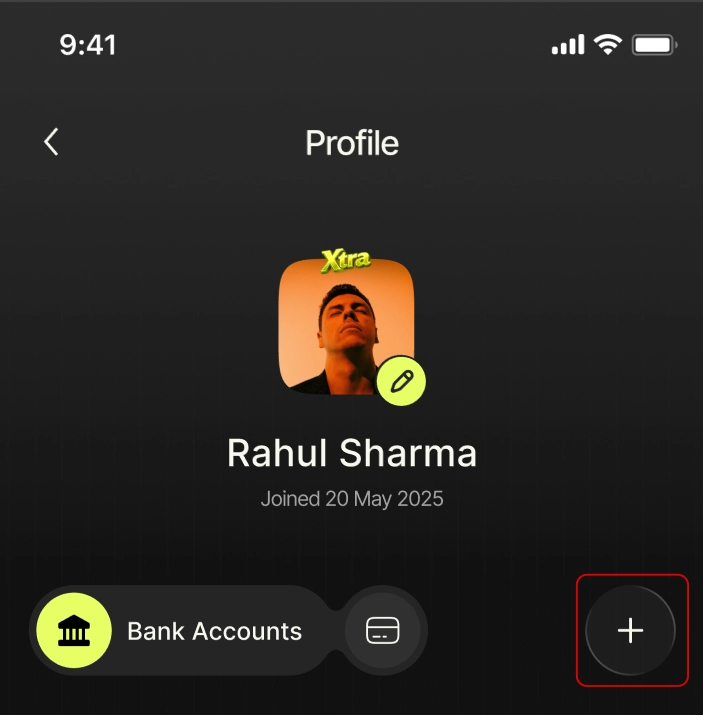
You can connect a bank account from the Profile page by tapping the “+” icon, selecting your bank, and completing OTP verification. The connection continues even if you leave the screen.
How This Works in Nance
To connect a bank account:
- Go to Profile
- Tap the “+” icon to add a new account
- Select your bank from the list
- Nance will discover your bank account
- Your account details will appear for confirmation
- Slide the “Slide to Connect” to proceed
- Enter your OTP / authentication code, that you got form your bank
- Your account will start syncing
- This may take a few moments
- You can leave the page during this process
- Once complete, your account will appear in Profile → Accounts, and transactions will begin reflecting automatically